

openKylin Smart Space: A storage assistant that organizes files on its own
Have you ever had this experience: files scattered everywhere, with only a vague memory of what was written in them but no recollection of the file names? Or when you get busy and can't keep things organized, documents pile up in chaos, and when you finally need one, you spend ages searching. The "Smart Space" in the OpenAtom openKylin (referred to as "openKylin") file manager is designed to solve these two pain points—it can not only search by file name but also automatically match and categorize files based on their content! 02 Automatic Categorization: Files "Move" to Where They Belong on Their Own What's more crucial is its "automatic inclusion" capability. As long as a newly created file meets the conditions of a certain space, the system will automatically place it there. This means users don't need to manually categorize files—the system automatically identifies files based on their attributes, content, and other factors, and places them into the appropriate Smart Space, ensuring timeliness and completeness of information, and keeping the Smart Space always up-to-date and well-organized. Conditions can also be adjusted at any time—whether you want to tighten the scope or switch to a different filtering dimension, simply edit the space's conditions, and the results will refresh in real time. 03 Virtual Space: Removing Files Does Not Delete the Originals openKylin Smart Space is essentially adding an "AI file manager that understands content and organizes automatically" to file management. Files no longer need to be hard-searched by name, categorization no longer requires manual dragging, and you don't have to worry about messing up the original directory after use.
01 Fuzzy Search: Find It If You Remember the Content
Traditional file search basically relies on file name matching. But in real work, we often find ourselves thinking, "I remember there's a passage about pandas in it," yet we can't recall the file name at all.
The fuzzy search in Smart Space doesn't have this limitation: if the file name can't be found, it searches by content; if content can't be found, it can even search by "description." For example, typing "panda" in the search box will return not only results with "panda" in the file name, but also documents mentioning pandas and images containing panda elements.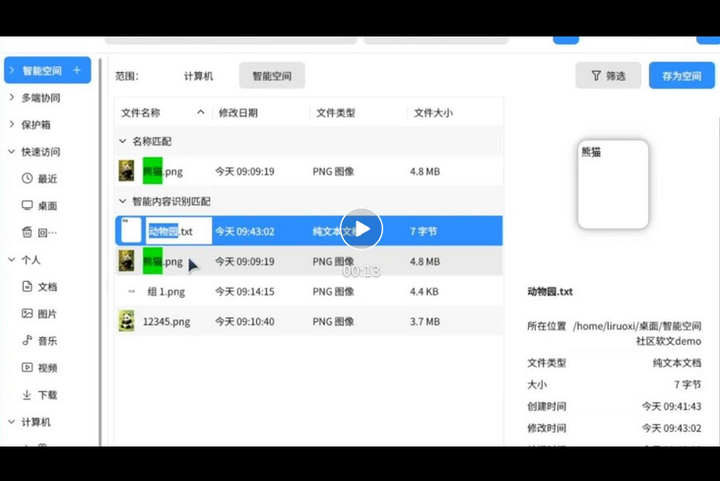
If there are too many search results, you can further filter them by file type, creation time, or modification time to keep irrelevant information out.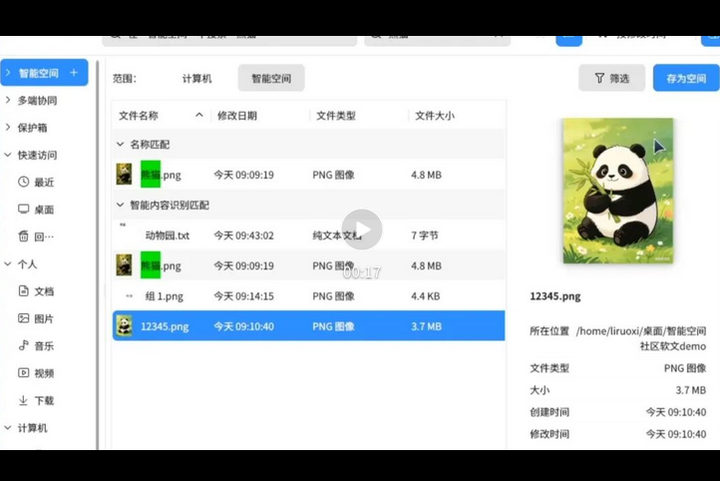
Another capability of Smart Space is that it can "package" search results into an independent virtual folder.
For example, you can create a space called "Weekly Reports" to gather all weekly report-related files, and another space called "Travel Planning" to store itineraries, guides, and hotel bookings. One space per project, with no interference between them.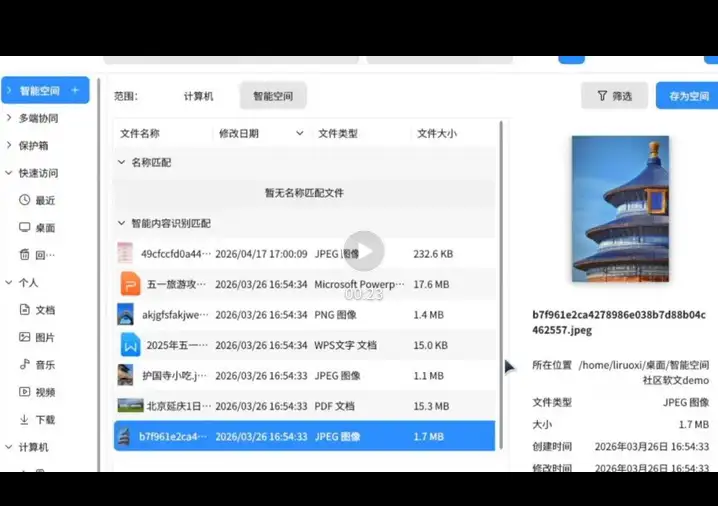
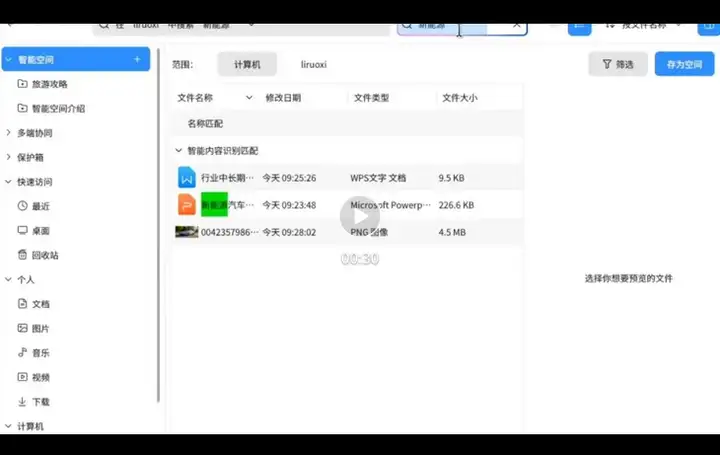
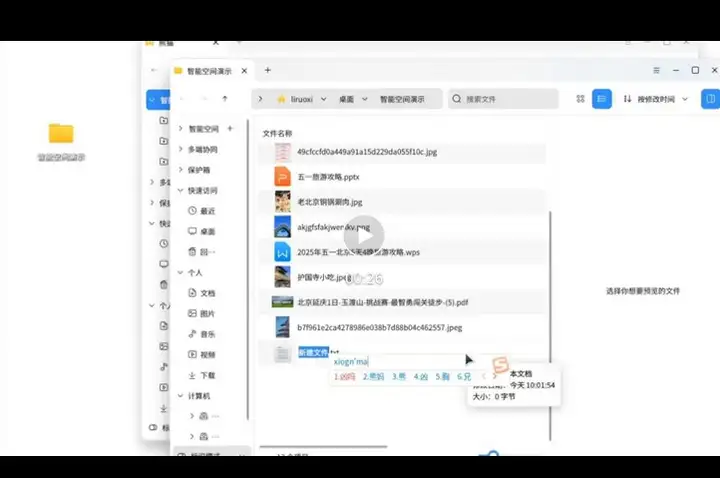
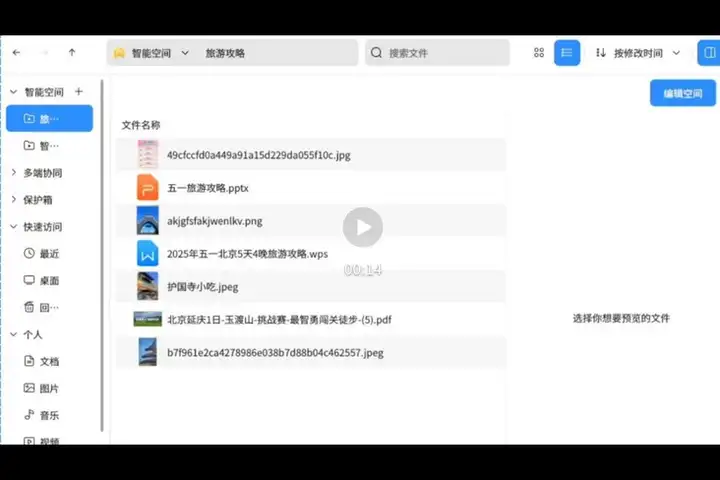
Smart Space is essentially a "virtual view," and this is very important. Removing a file from Smart Space only takes it out of the current view; the original file remains untouched in its original folder. You can organize and experiment with confidence, without worrying about accidentally deleting source files.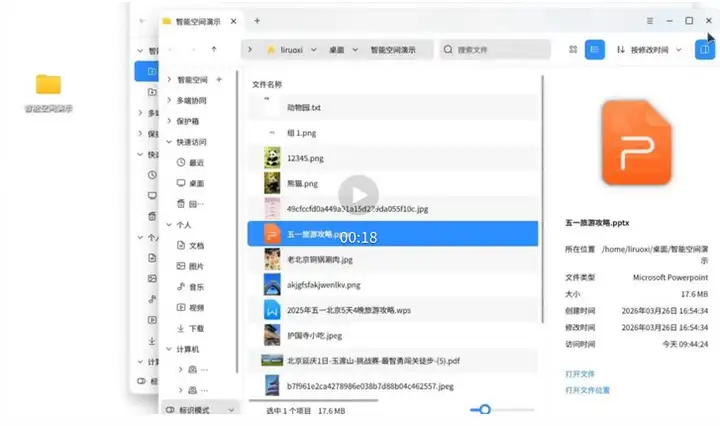
In the future, on openKylin 3.0 series versions, the AI assistant will also be able to use Smart Space as a knowledge base for Q&A—this means files stored there won't just be "found," but can also be "queried," truly putting these materials to use.