

New Ecological Achievements! Kylin 100 "Smart Touch & Smart Essence" Brings a New Interactive Experience.
Recently, the OpenAtom openKylin (hereinafter referred to as "openKylin") technology-derived distribution Kylin 100 launched an AI interaction feature called "Lingchu (Magic Touch) & Lingcui (Magic Extract)", integrating AI capabilities directly into mouse operations.
Double-click to activate: Enter Lingchu mode in one second
Lingchu comes pre-installed with the Kylin 100 update, no download required—just update the system to unlock it. Double-click the Alt key, a blue light appears at the cursor, and a prompt pops up on the screen, indicating successful activation, all within one second.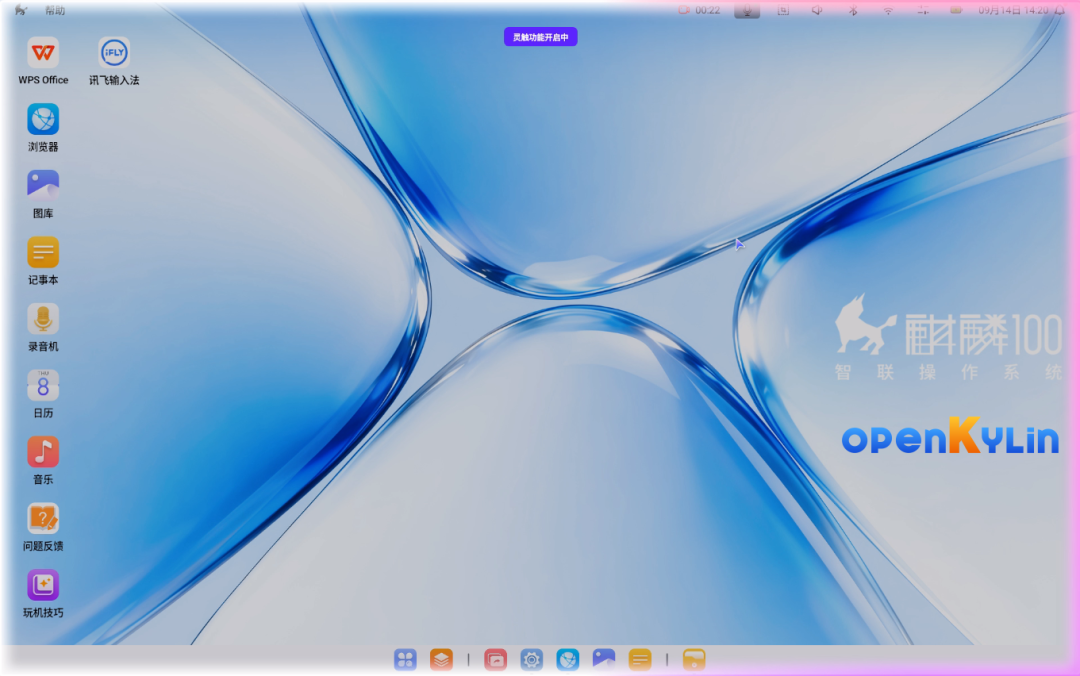
Figure 1: Double-click Alt to activate Lingchu mode, with a blue light glowing at the screen edge
Once activated, hold down the left mouse button and drag to select or outline, and the target will be selected. Whether it's a paragraph of text, a screenshot, a single file, or a web link, it can be precisely identified and selected with one click.
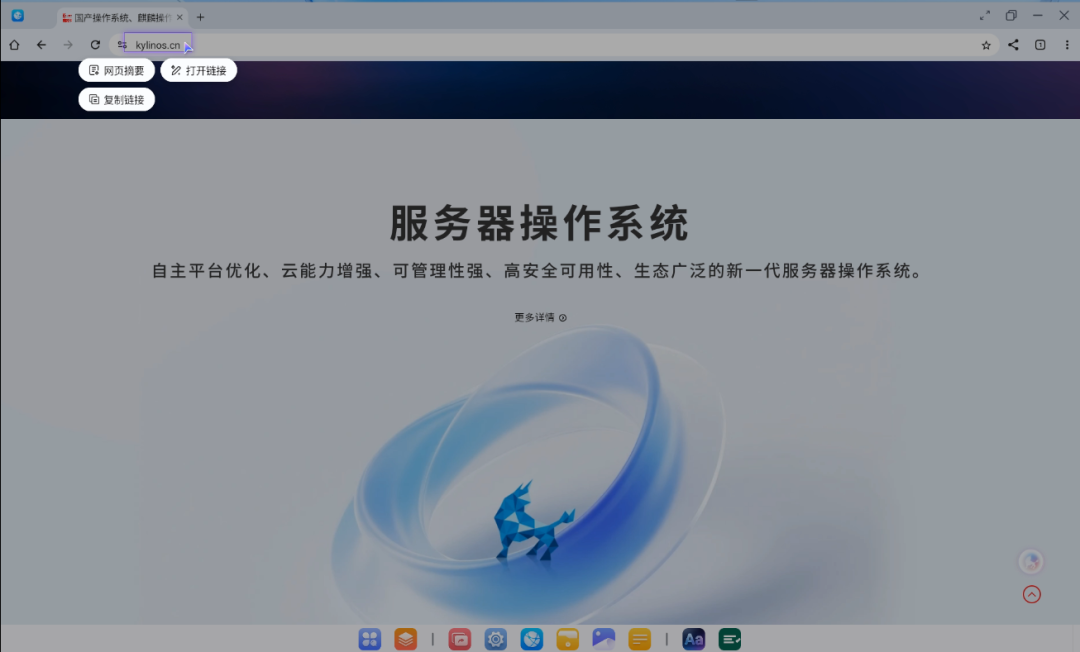
Figure 2: Free-form selection of a paragraph, release to start parsing
Frontstage and Backstage: Division of labor between Lingchu and Lingcui
Lingchuis the interactive interface facing users, responsible for identifying the objects selected by the user. All results are presented in lightweight floating cards, with three states (loading, success, failure) intelligently avoiding page content. Press Esc to close, remaining quiet and unobtrusive throughout.Lingcuiis the powerful core hidden in the background, handling intensive computations such as image and text recognition, page deconstruction, file parsing, and intelligent analysis.
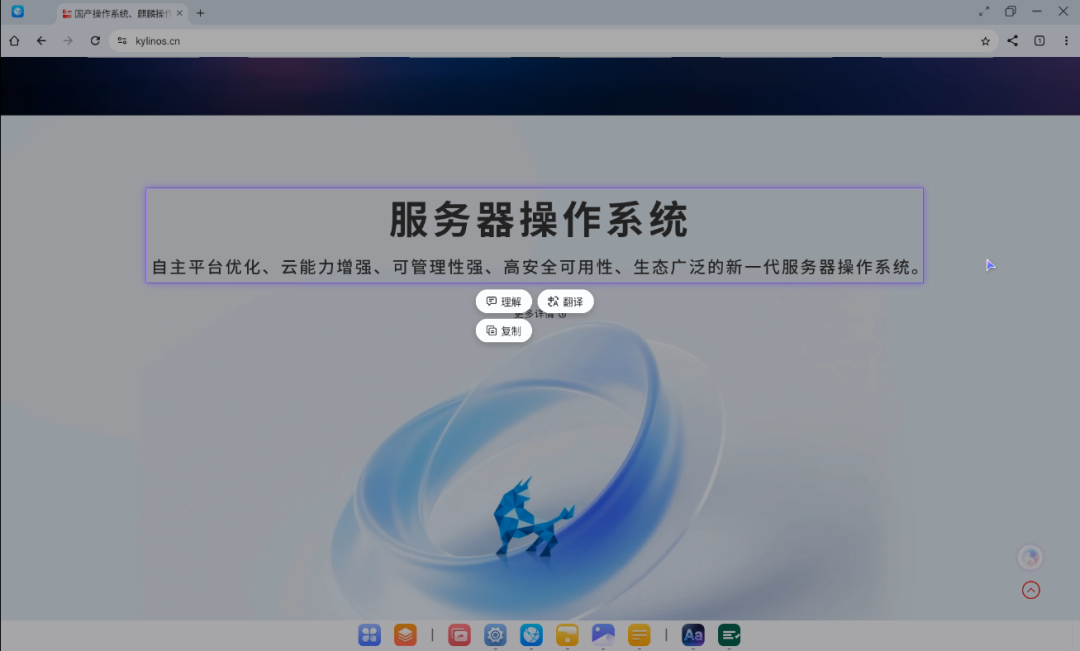
Figure 3: Complete status of the selection from acquisition, submission to parsing
What you circle is what you get: Multiple intelligent functions
The "Lingchu & Lingcui" combination enables multiple intelligent operations such as in-depth reading of technical articles, text extraction and OCR recognition, summary generation, content summarization, full-text translation, and saving to PDF:
- Intelligent interpretation: Select professional terms or academic paragraphs to automatically break down complex content; select images or video frames to automatically analyze content and entities.
- Multilingual translation: One-click Chinese-English translation, making it easy to consult foreign literature and original documents.
- Dual summaries: For long texts of tens of thousands of words, first provide a concise overview, then break down key points, allowing you to finish reading a long article in minutes.
- Intelligent information extraction: Automatically extract people, events, to-do items, and core materials from text, with support for tracing back to the original text.
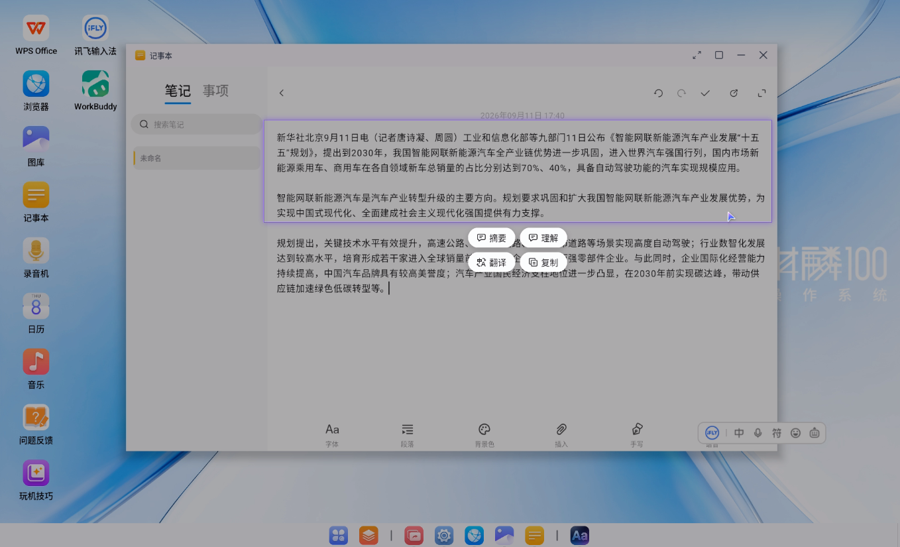
Figure 4: Select text and images to automatically complete recognition and interpretation
Parsing results can be saved with one click, copied directly without secondary redirection.
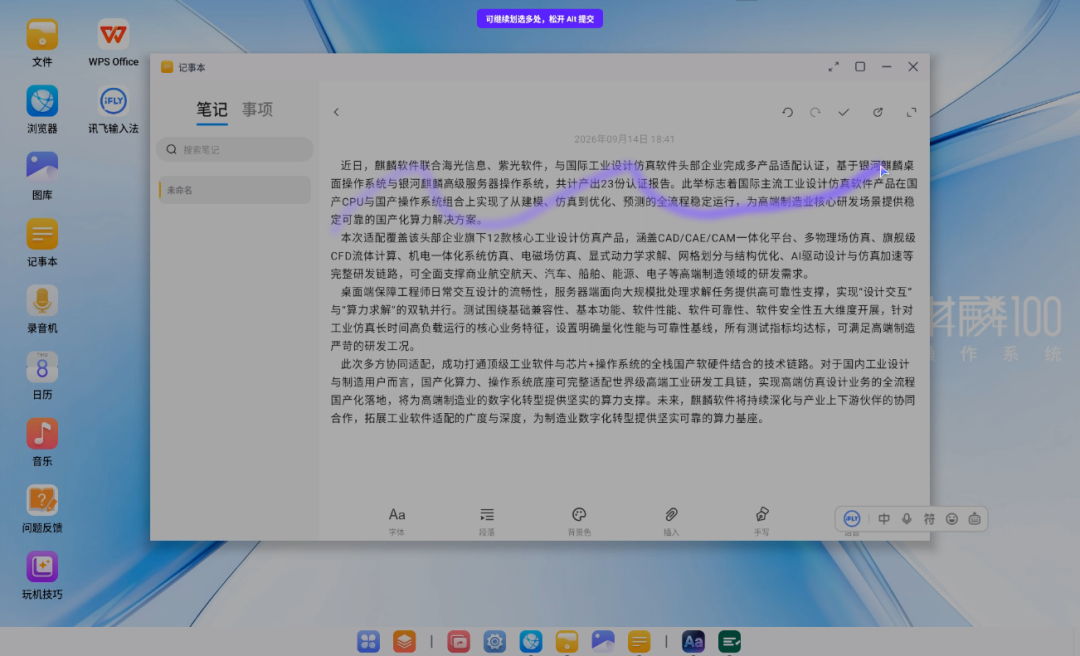
Figure 5: Select a web link for secure capture and intelligent deconstruction
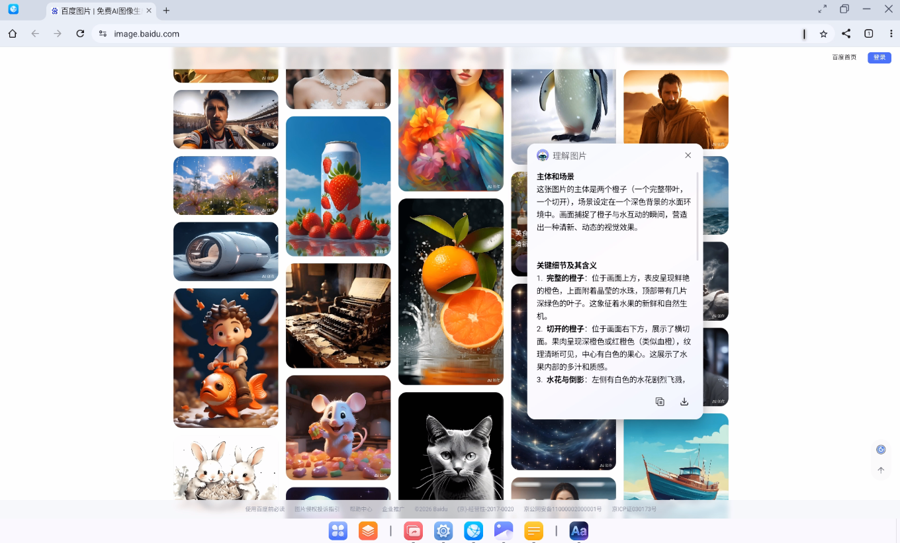
Figure 6: Frame an image for one-click secure capture and intelligent deconstruction of image content
Integrated into the underlying system: The foothold of AI interaction
The value of Lingchu lies not in adding a new application, but in embedding AI capabilities into the shortest path of system interaction: no need to open additional software, no need to switch windows—selection, the most natural action, is itself the entry point. With capabilities integrated into the underlying system and invoked on demand with one click, intelligence becomes part of the system, not an accessory outside it. The openKylin Mobile Intelligence Workgroup will continue to optimize encrypted PDF parsing, large-range selection adaptation, and more.
Kylin 100 is one of the distributions built on the openKylin technology system and has passed the openKylin technology-derived distribution certification. The release of Lingchu and Lingcui is another practical achievement of the openKylin ecosystem in the AI desktop direction. The openKylin community will continue to improve the certification and service system for technology-derived distributions, supporting more ecosystem partners in product innovation based on openKylin, and jointly enriching the desktop intelligent application ecosystem.