

"Penguin Eggs" is here! The open-source remastering tool penguins-eggs officially supports openKylin
Recently, the openKylin community received an email from Rome. The sender is an internationally renowned open-source project Penguins' Eggs(Penguin Eggs) 's author. In the email, he shared a piece of good news with the openKylin community:Penguin Eggs now officially supports openKylin!And he used penguins-eggs to build and release two openKylin remastered images.
This achievement is not only a recognition of openKylin by the international open-source community, but also a successful step for the openKylin ecosystem to reach overseas developers.
What is Penguin Eggs?
Penguins' Eggs is a new-generation Linux system remastering tool.Simply put, it can package your currently running openKylin system into a live‑bootable and installable ISO image with one click.——All installed software, configurations, and personalized desktop settings are packed into the “eggshell”. This ISO can be burned to a USB drive or written to a hard disk, then booted and installed on any new machine, producing a complete clone of your current system.
Currently, the distribution families officially supported by Penguins’ Eggs include Debian, Ubuntu, Devuan, Arch Linux, Manjaro, Fedora, openSUSE, Alpine, etc.—Now another one has been added to the list: openKylin.
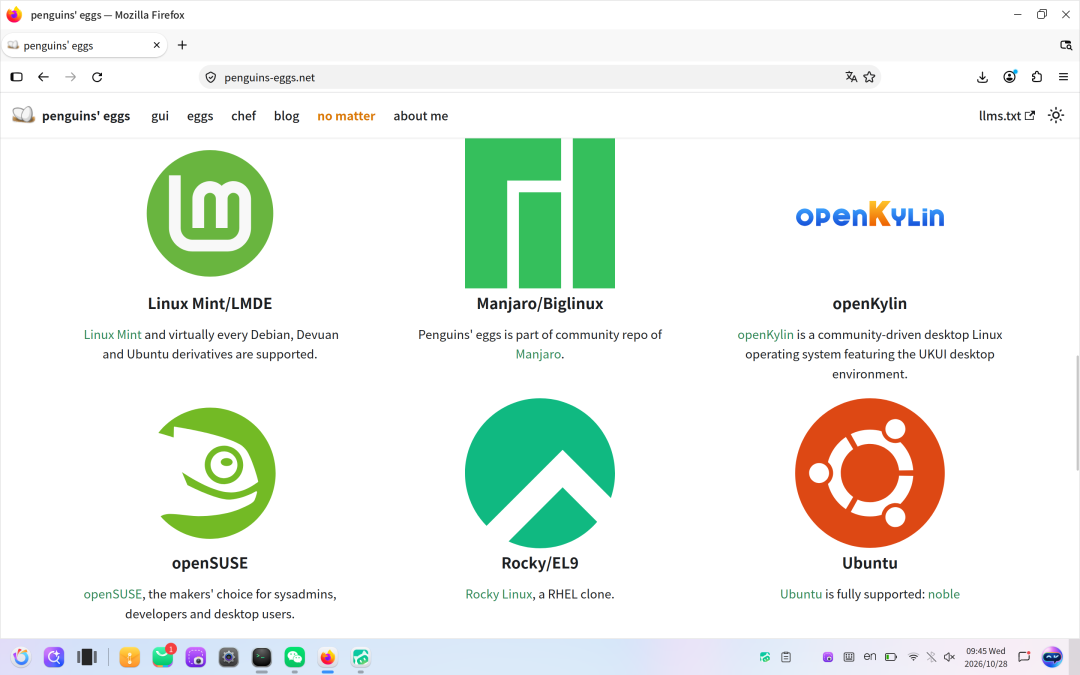
Two images, two ways to play.
This time,the author of Penguins’ Eggshas built two images based on openKylin, each with a different focus:
① openKylin Colibri (Hummingbird Edition)
A lightweight, developer-oriented version, based on the openKylin system foundation, with the XFCE desktop environment. — Small as a hummingbird is, it is fully equipped; the best starting point to experience “building your own distribution using openKylin as a base.”
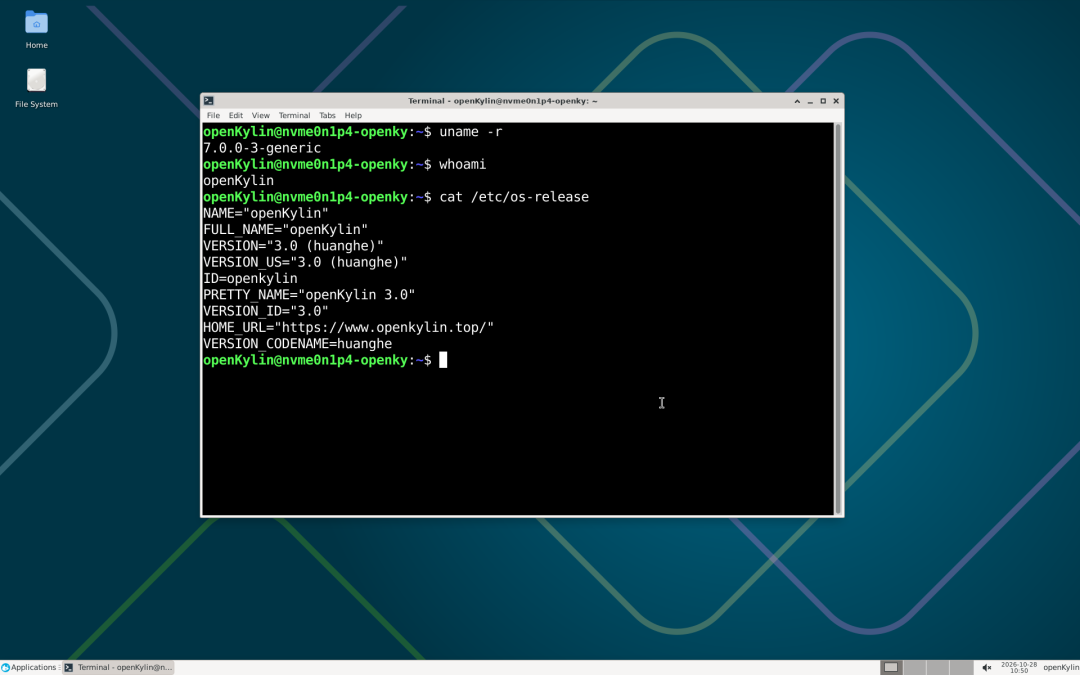
② openKylin Bare CLI Edition (naked)
A minimal, pure command-line version. No graphical interface, retaining only the most basic system capabilities. Suitable as a server base, container host, or for developers to build a fully customized desktop environment from scratch.
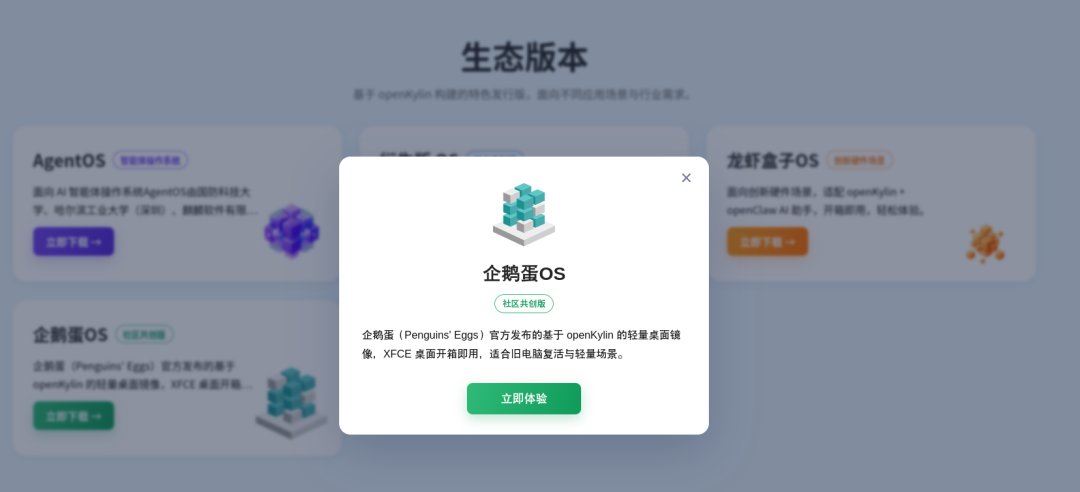
Both ISOs have been released on SourceForge and the penguins-eggs.net official website, and download links are also provided on the openKylin official website. Friends who are interested can download and try them out!
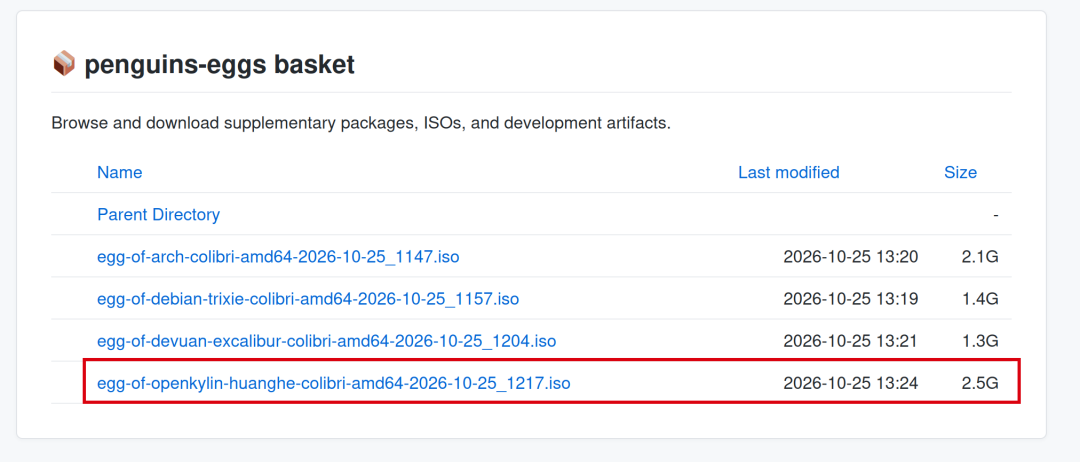
Build your own Penguin Eggs version in just three steps
Using Penguin Eggs on your openKylin system mainly involves three steps (for detailed steps and FAQ, please see the documentation link at the end of the article):
- Download and install the Penguin Eggs native package from SourceForge, execute eggs version to verify;
- sudo eggs tools clean cleans the cache and lightens the system load;
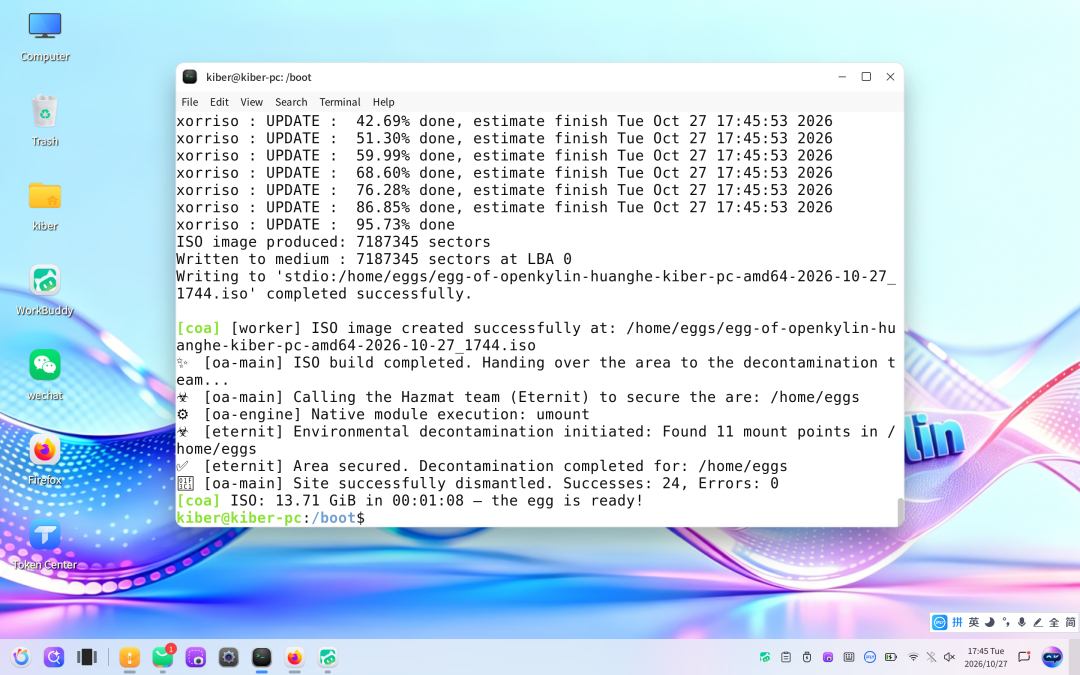
- sudo eggs wizard follow the interactive wizard to generate your first openKylin live ISO in three steps.
The finished ISO is saved in the /home/eggs/ directory by default; burn it to a USB drive or write it to a hard disk to boot and use.
Finally, thanks tothe author of the Penguins' Eggs project Piero Proietti for his attention and support to the openKylin community. Community members are also welcome to use the "Penguin Eggs" tool to create and share interesting "Easter egg" versions based on openKylin!
Related links
- Penguins' Eggs official website:https://penguins-eggs.net
- openKylin Official Website Download Address:https://www.openkylin.top/downloads/index-en.html
- Official Mirror Download Address:https://penguins-eggs.net/basket/isos/
- Project Code Repository:https://github.com/pieroproietti
- penguins-eggs-openkylin-3.0 Usage Tutorial:http://docs.openkylin.top/zh/1Getting Started and Participation/1_4 Basic Operations/penguins-eggs-openkylin Usage Tutorial: