

[1] Tencent Marvis native version arrives on openKylin! The open-source operating system welcomes an out-of-the-box system-level AI assistant.
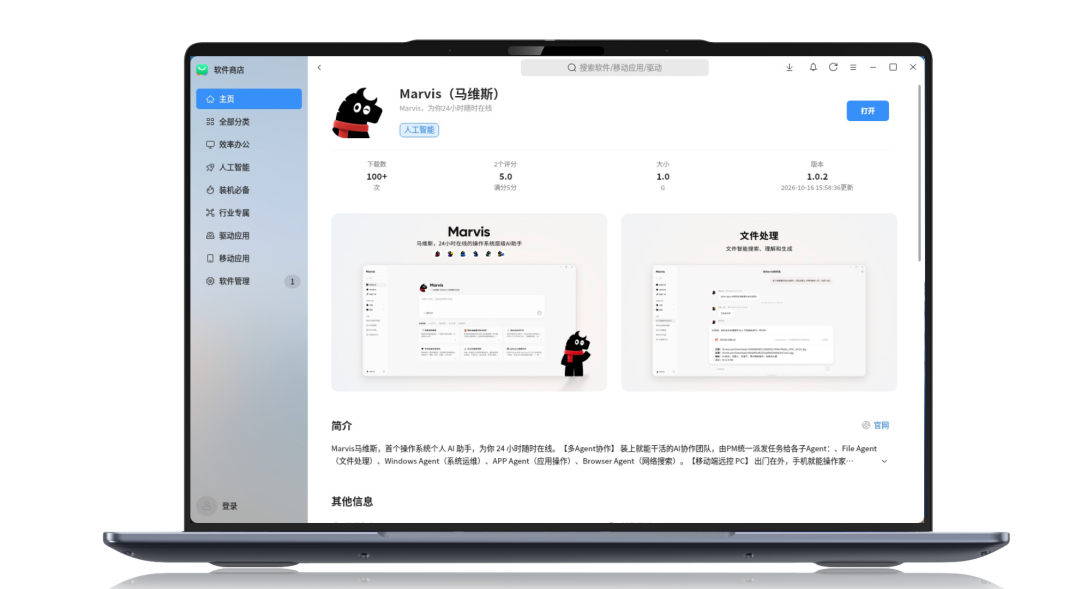
Say goodbye to tedious settings menus; with just one natural language instruction, Marvis can help you adjust screen brightness, switch system dark/light theme, modify mouse sensitivity, and even diagnose battery issues. Complex system operations can be done easily with one sentence.
Feel your computer is sluggish? Tell Marvis, and it will automatically invoke the system's built-in "Kylin Butler" to perform system health repair, junk cleanup, and fault diagnosis, always protecting your device's health.
Can't find the software you want to use? Just describe your needs clearly, and XiaoMa can download, install and open the app with one click through the openKylin software store. From finding software to using it, there's no need to switch back and forth between multiple windows.
Faced with cluttered computer files, XiaoMa can build a directory index that automatically clusters by content. Even if you only remember the rough idea, you can locate files precisely through fuzzy semantic search. More importantly, it adopts an end-cloud collaborative approach, performing file and image indexing and queries locally, reducing cloud calls and better safeguarding data security and privacy.
No worries when you step away from your desk. By connecting your computer through the Marvis app, you can ask XiaoMa to find or modify files, check the status of scheduled tasks, or even start new tasks remotely. One phone easily dispatches your personal computer.
From software installation to file search, from PC health checks to phone-based remote control, this AI butler in the open-source operating system is taking care of the trivial chores in daily office work.
Currently, openKylin 3.0 has built a system-level agent open base, integrating models, memory, tools, system permissions, and desktop capabilities into a unified architecture, allowing agents to directly invoke desktop capabilities via the MCP protocol. System-level AI applications continue to enter the openKylin application ecosystem, filling the application supply gap for intelligent office scenarios.
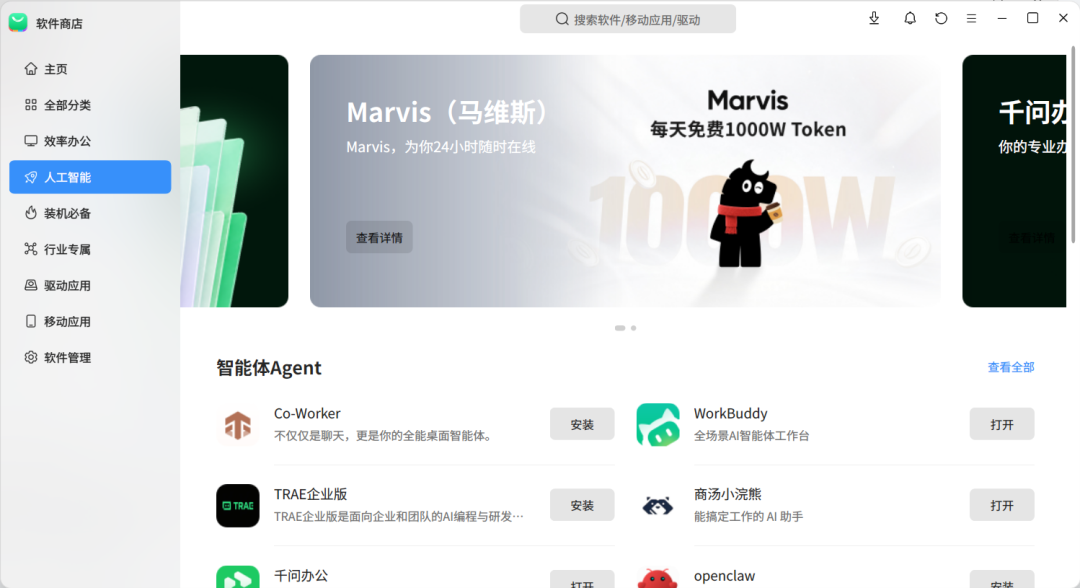
Open the openKylin app store, search for "Marvis", and install with one click!